


LET’S get it out of the way right at the top: the base model of the Apple TV 4K is RM850 – for 32GB, with the 64GB model coming in at RM950.
For most people, that is a whole lot of money to spend on an entertainment hub of this kind, which is after all an accessory and not a centrepiece like a big and dominating TV. Especially when many TVs come with pre-installed apps and features of their own.
However, for those high powered (and deep pocketed) users who want to unify their home theatre experience – and have at least dipped their toes into Apple’s ever growing (and tightly controlled) ecosystem of apps and accessories – the Apple TV 4K offers a compelling argument to be the focal point of their home entertainment system.
Buzzwords galore
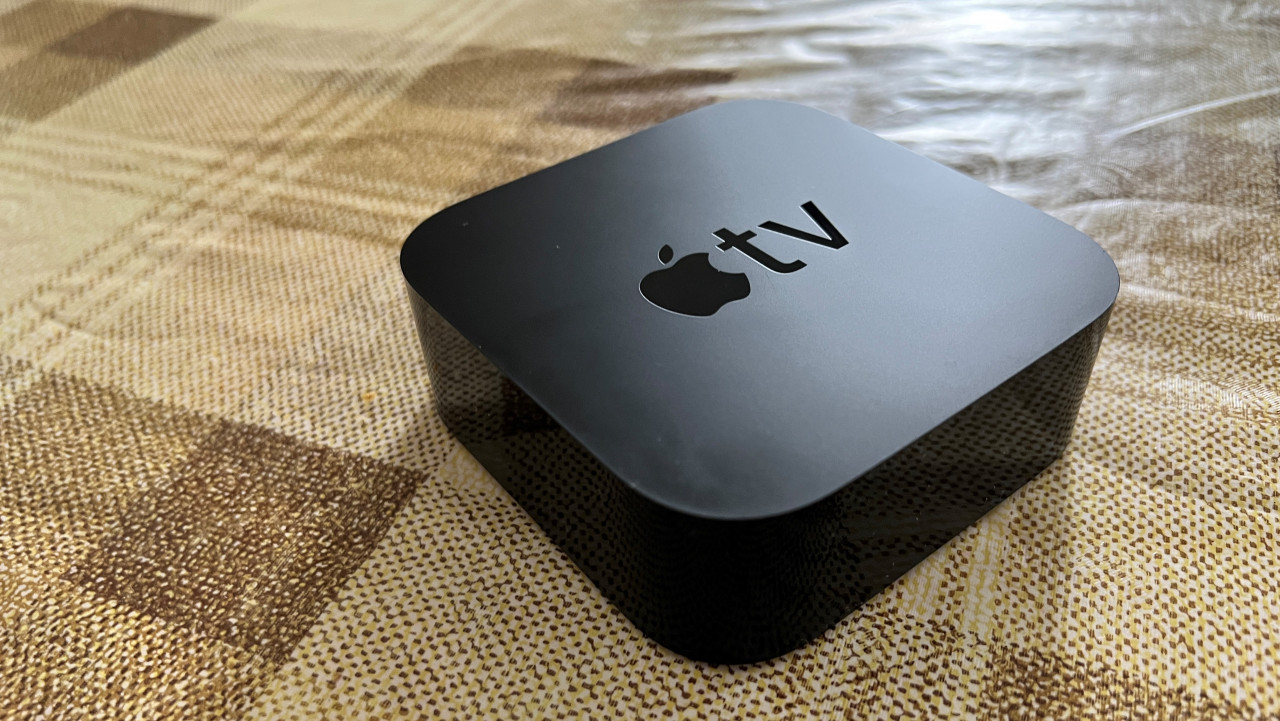
Powered by Apple’s A12 Bionic chip, the Apple TV 4K in many ways functions as a small computer that’s focused on being an entertainment hub. This is especially true with the addition of the intuitive tvOS and the App Store, where you can get a whole range of apps as you would with Apple’s mobile devices.
But don’t expect to use the device beyond its entertainment focus. You’re not going to be able to connect a keyboard and mouse via Bluetooth, and the app selection is catered around its specific functions.
While 4K is the name of the game, most of the content available is not up to that quality. Fortunately, the Apple TV device is able to upscale HD content so that it should look as best as it can.
With the A12 chip, Apple TV 4K also supports HDR content (both Dolby Vision and HDR10), high frame rate content of up to 60 frames per second, as well as Dolby Atmos three dimensional audio.
Putting things together
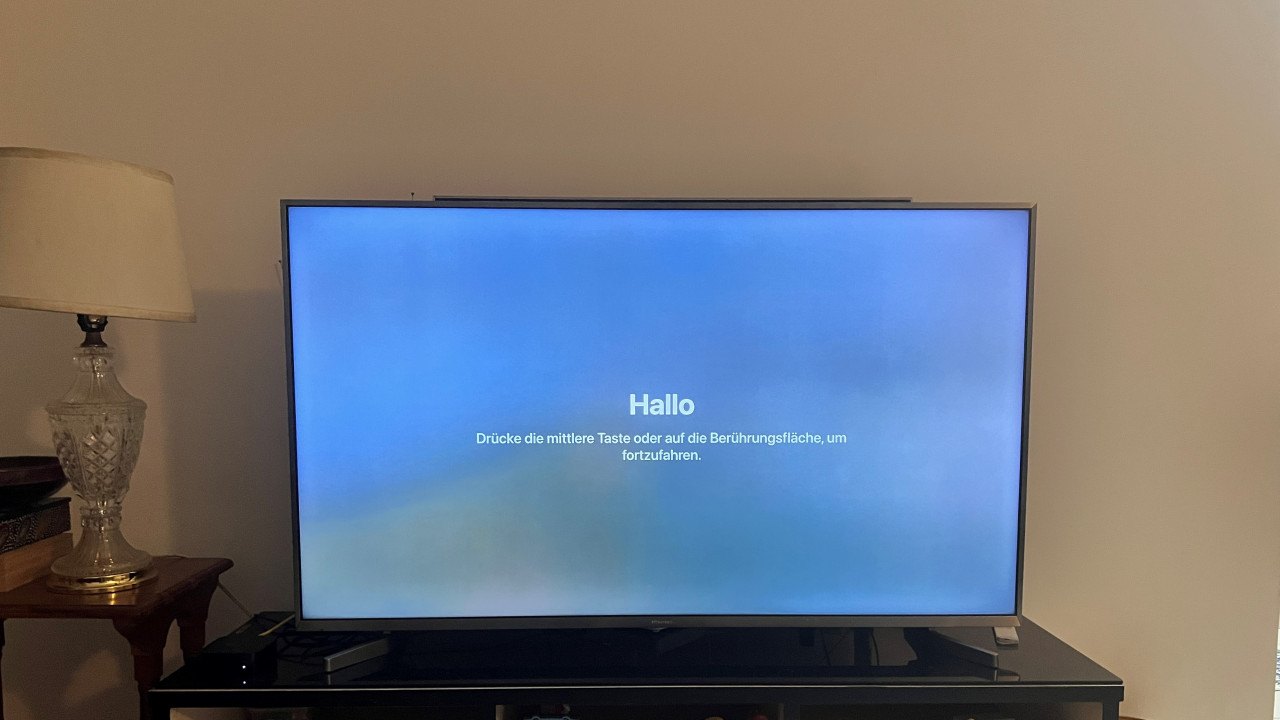
In terms of setting up the Apple TV 4K, like most Apple devices, it’s pretty much plug-and-play. The device itself only has three ports: one for power, an HDMI port and a Gigabit Ethernet port. Wi-Fi is available, but if you’re gonna be watching high quality 4K content then a wired connection is highly preferable.
The Apple TV 4K comes preloaded with Apple’s suite of services, namely Apple TV, Apple Music, Apple Arcade and Apple Fitness+. You can also access your iCloud to view recently taken photos on your big TV screen.
(While each of the Apple services can be subscribed to separately, the Apple One plan – which starts at RM19.90 a month – can offer access to all of them, including at least 50GB in iCloud storage.)
After you’ve downloaded your favourite apps – YouTube, Netflix and Spotify, or whatnot – you’re pretty much all set to go.
Well, there’s one more thing.
Apple has been touting an ‘innovative’ colour balance process that promises to make the picture quality your TV is outputting look a lot crisper. Basically, you take out your iPhone (if you have one) and put it in front of your TV screen.
The phone’s light sensor compares the colour balance to industry-standard specifications. The Apple TV then tailors its video output to deliver more accurate colours and improved contrast. According to Apple, this is a simple way to optimise television settings without excessive tinkering.
While all this sounds good, for the average person it’s a bit hard to discern the difference. And if you’re an enthusiast who can spend the money on an Apple TV 4K, you probably don’t mind a little tinkering.
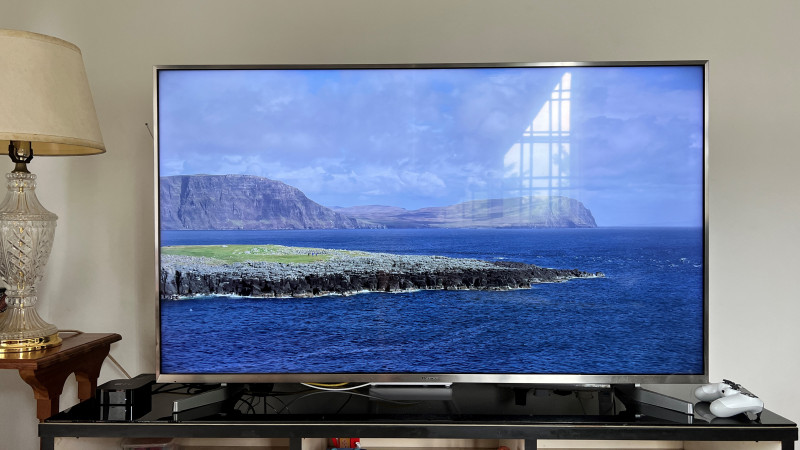
Personally, for my TV, a 4-year-old Hisense 4K HDR, the colour balanced image pops a bit more and is warmer, but the usefulness of this feature probably varies from TV to TV.
The remote
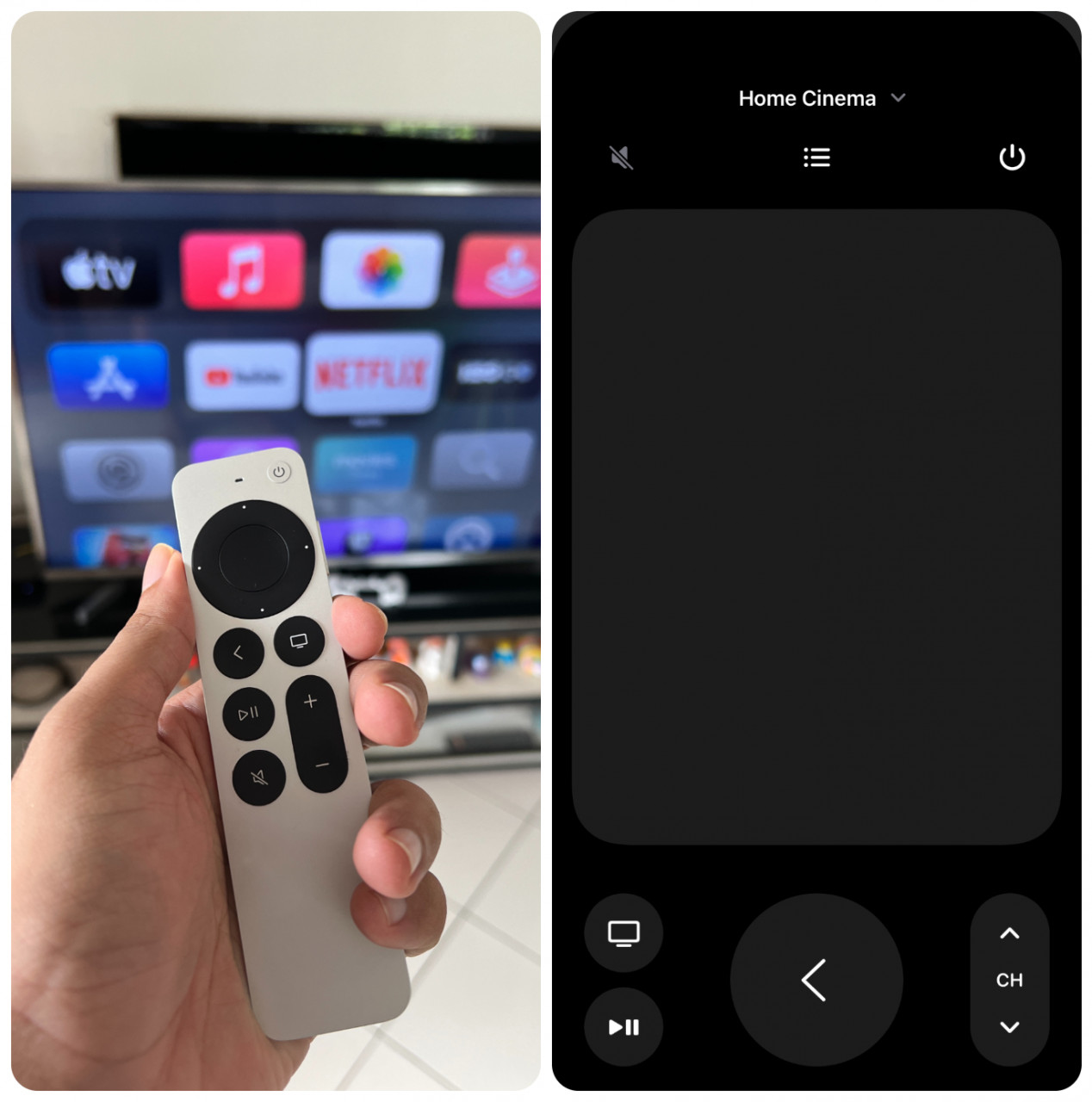
The Apple TV 4K comes with a remote made from a solid piece of aluminium that is both sturdy and light. There are your typical buttons: power (which can be set up to turn off the TV, not just the device itself), volume, mute, and play/pause. The back and tv/control centre buttons are used to navigate the tvOS UI. There’s also a Siri button on the side that lets you ask Apple’s digital assistant for help, if you are so inclined.
Dominating the top of the remote is the clickpad that promises to make it quick and easy to browse through the OS and the various apps. The entire surface is touch sensitive and clickable, allowing for either quick swipes across rows of options or more precise selections.
However, in practice the outer ring of the clickpad is quite sensitive and can take a bit of getting used to. Sometimes it gets in the way of what would otherwise be a simple thing to do. But when it does work, especially when scrubbing through the timeline of a show or movie, it can be quite smooth.
There are no batteries as charging is done via a micro USB cable. The remote works just fine after a month of daily use without plugging it in even once.
Streaming device… and video game console?
One of the odder things about the Apple TV 4K is that despite having either 32GB or 64GB of memory, it is a dedicated streaming device. You can download apps and games, but movies and music can only be streamed. This is true even if you legally purchase a movie or show via iTunes. So make sure you have a wired connection and a good Internet plan.
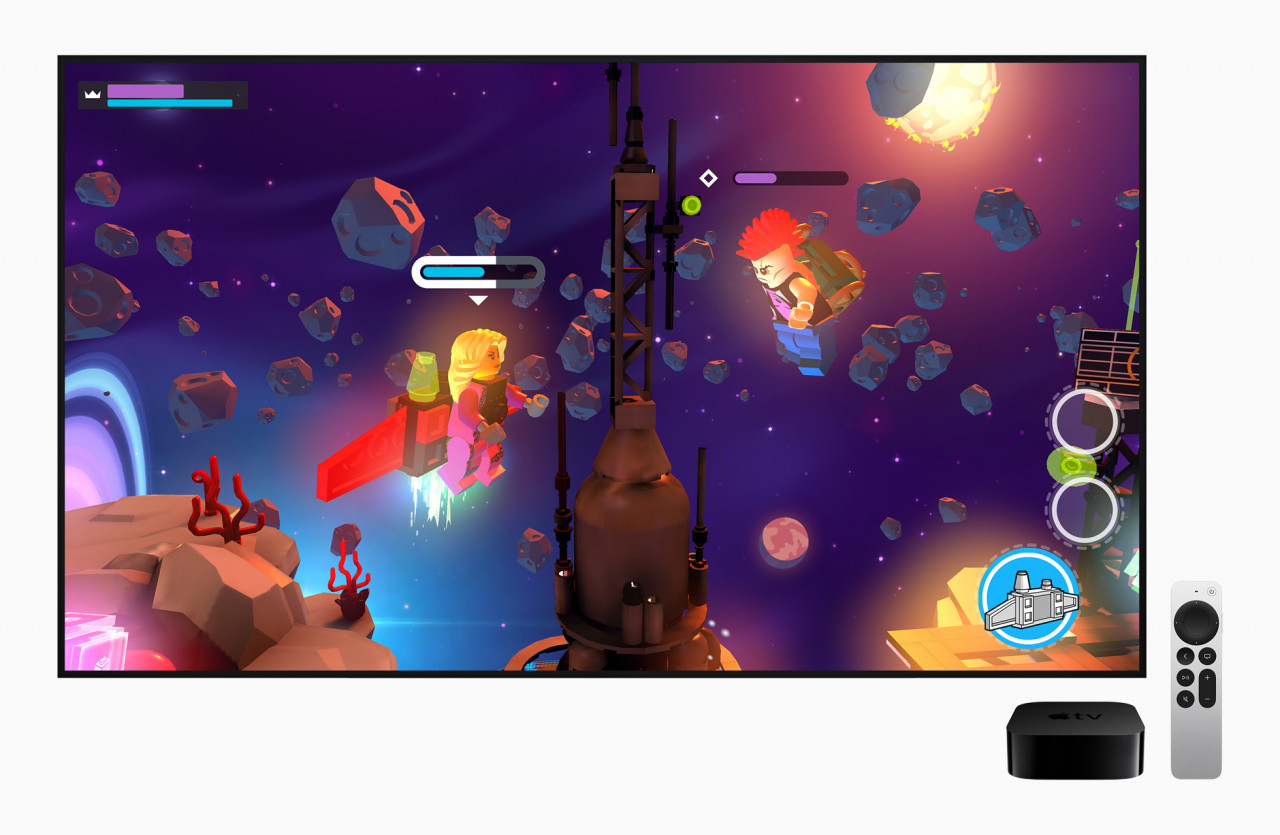
More interestingly, the ability to download games from the App Store and Apple Arcade can turn the Apple TV 4K into a budget game console of sorts. Many games can be controlled via the remote, but others require the use of a Bluetooth game controller, either Xbox or Playstation controllers from the last couple generations are compatible.
The games on offer are the kinds that are available on iPhones and iPads, though they are made to take advantage of being played on a TV set. However, if you are a PC gamer with a Steam account, downloading the 3rd party Steam link app can let you stream your games into the living room. The lack of keyboard and mouse support means a controller is necessary, but given Apple’s reputation of tight control over its ecosystem, appreciate what you’re getting.
Misc thoughts
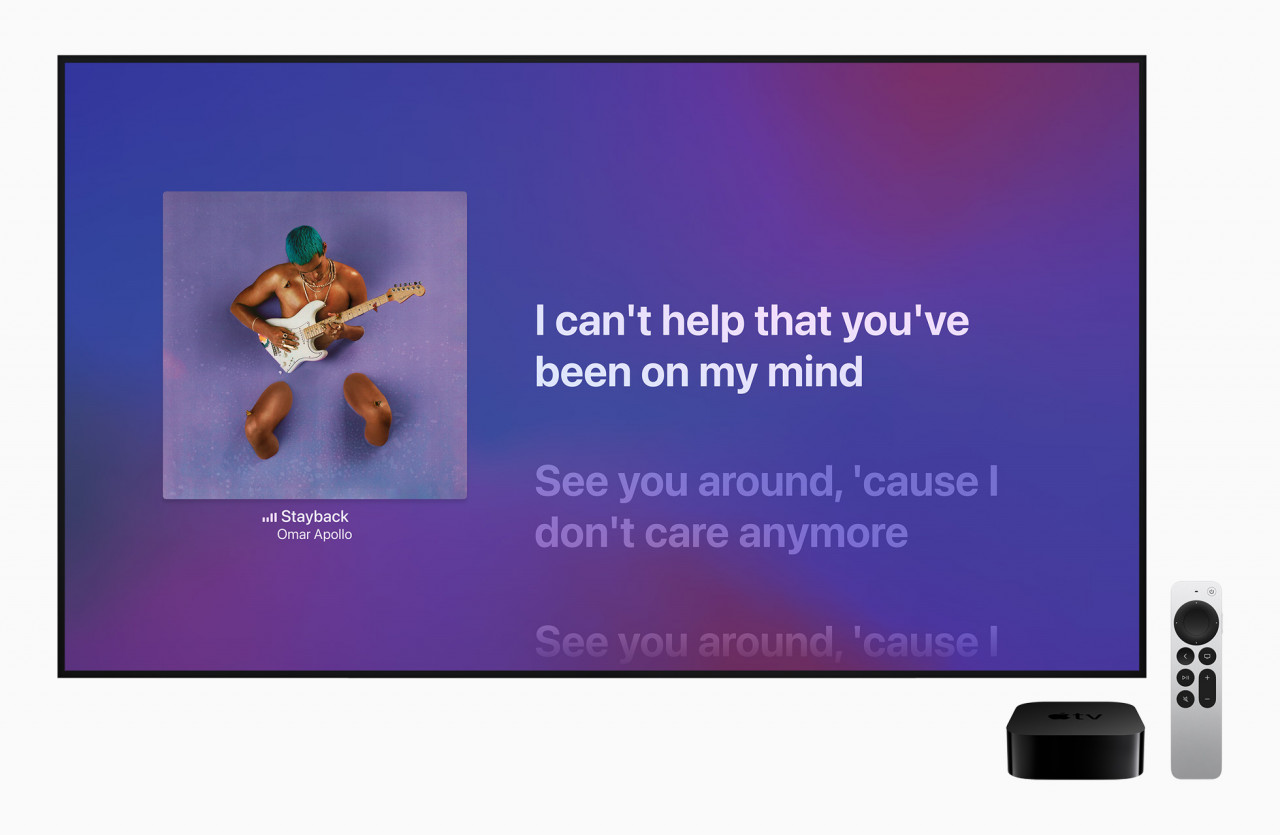
If you’re not the only person in your household with an Apple account, each person can access their customised content on the Apple TV 4K. Once they add their account, it’s easy enough to switch between account profiles.
One of the scourges of modern technology is the need to always be inputting passwords for one thing or another, and it’s doubly annoying and time-consuming when the remote is the only interface. But if you have an iPhone or iPad (Apple strikes again with its ecosystem), you can easily turn that device into another remote, as well as a way to input text.
And if you’re a night owl who likes to watch movies in the dead of night, but have to tiptoe around to make sure people don’t wake up, connecting AirPods to the Apple TV 4K is a bit of a game changer. Listening to either movies or music, you get a surround sound experience that might be even better than listening to the TV’s built-in speakers.
Ultimately, the Apple TV 4K is a convenient device that can do a lot of things well. But that should be expected given the price, far surpassing similar devices from rival companies and other sources (pirates ahoy!). It is probably a worthwhile device if you have the cash to spare and are already fully invested into the Apple ecosystem, but for most, it’s a bridge too far. – The Vibes, May 10, 2022