

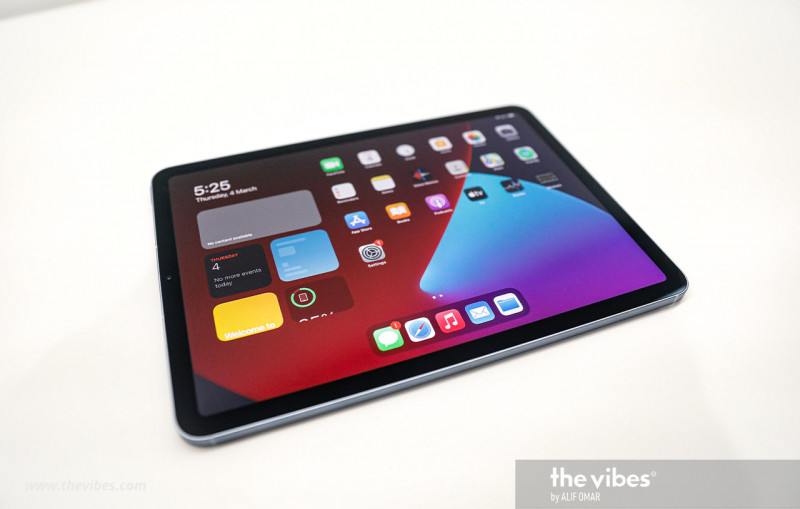

IN the era of remote learning that many have inadvertently found themselves in, the iPad – be it the original, Air, or Pro model – is uniquely suited to provide a comprehensive educational experience.
In addition to being an excellent media consumption device (YouTube, Netflix, etc), it can be utilised in a variety of educational activities. Don’t worry, parental controls and screen time management tools are areas in which the iPad is designed to accommodate.
Keynote presentations
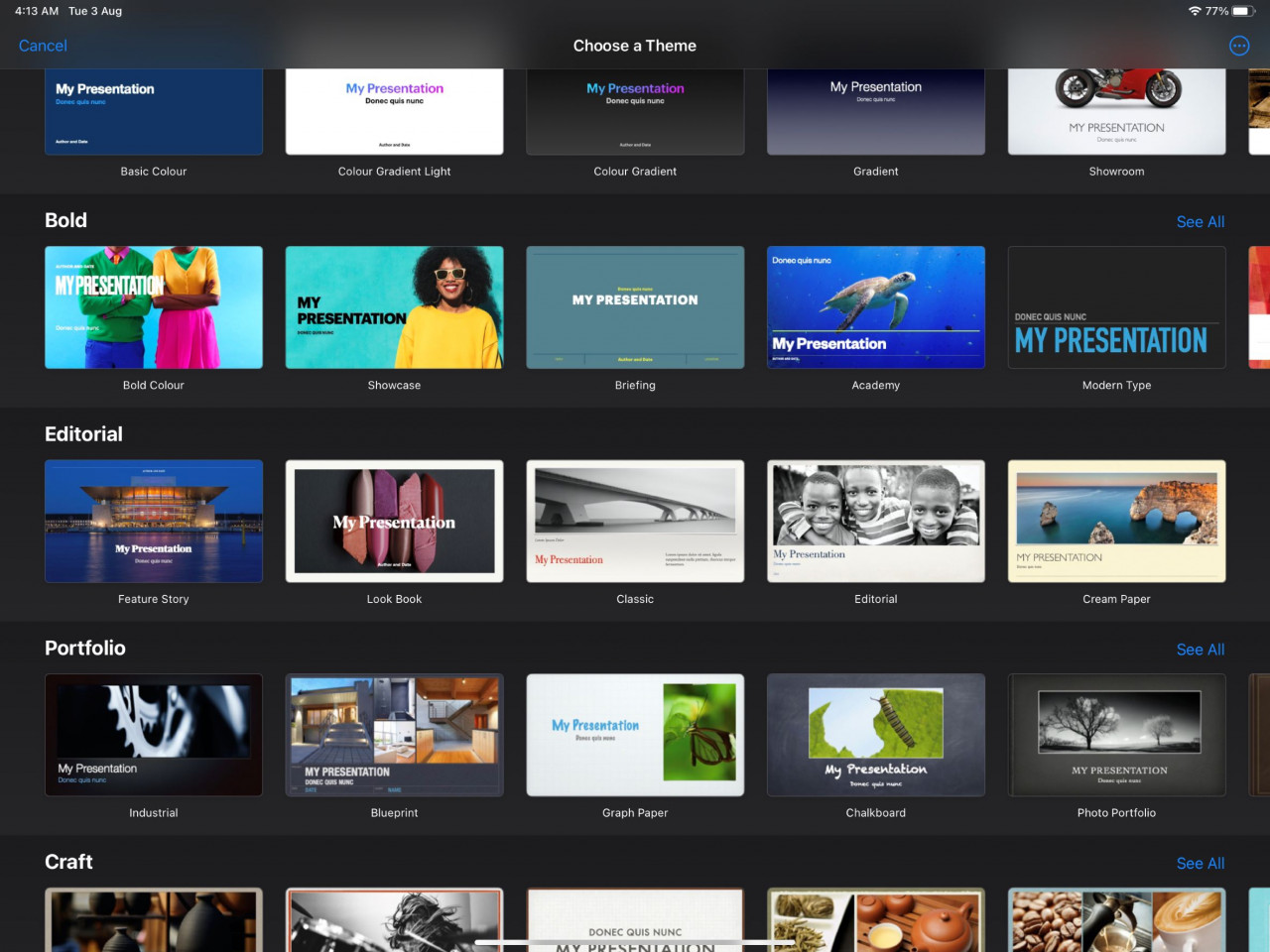
At a basic level, Keynote is a presentation app (hence the name) that is built specifically for Apple’s mobile devices. As an alternative to PowerPoint presentations of yesteryear, Keynote comes complete with animations and cinematic transitions – all with the iPad's intuitive interface.
The optional Apple Pencil can be used for more than taking notes. It can be used to draw and colour, as well as making animatics for the presentations.
Augmented reality (AR) possibilities

There are more than 10,000 AR apps available on the App Store, including AR Makr – an app that allows for the creation of custom AR content, with the ability to import assets from other apps. Turn flat 2D assets from the real world into 3D objects in the virtual space.
For those unfamiliar with AR content, this form of media uses the tablet (or phone’s) camera to create an interactive experience in the real-world environment where objects in the real world are enhanced by virtual creations. This is one of those things that seem complicated to describe, but when seen in person can be quite impressive.
The iPad with its portability, accelerometers, powerful cameras, and operating system is designed with AR specifically in mind.
Making videos for beginners
The Clips app, available by default on Apple devices, is made with young learners in mind as it teaches them how to make simple videos.
It is loaded with plenty of default options that don’t cost extra, including royalty-free music to enliven an otherwise plain video. With a few simple taps and creative tinkering, a user can create videos with camera effects and various filters.
Keeping an eye out on junior
As a multifaceted device, it is all too easy to get distracted while using an iPad. With the swipe of a couple of fingers, you can switch from your office productivity app of choice to YouTube or your particular flavour of streaming platform.

With family sharing, you can share your device with a child without sharing your Apple ID (no more worrying about sensitive apps and surprise purchases). A child below the age of 13 can’t make their own ID and will have to be given one but it will have limitations that will make it safe to use.
There is an ask-to-buy setting that lets parents see what their child is interested in purchasing and whether it is worth downloading. This lets parents go around blanket bans on what a child can or cannot install on their device – after all, some apps are more justifiable to get.
This level of parental control extends to monitoring screen time as well as app usage, including setting time limits for some apps. Once again, not all apps are equal. Keynote and Clips are probably more worthwhile than a late-night TikTok binge. And if necessary the parent can approve extra time remotely through their own Apple device.
***
On top of these features, Apple provides other resources for the education-focused such as Creativity for Kids (for kids, four to eight and eight to 12 years of age), A Quick Start to Code (which teaches children aged 10 and up how to code), among others.
Like many other Apple products, the more devices you have in your personal ecosystem, the more you will get out of it. This can get pricey, but if an iPad is within your budget, you will be able to use it as an educational tool quite effectively. – The Vibes, August 3, 2021