



FIRMLY rooted as the industry leader in smartwatches, Apple has recently released the Apple Watch Series 7 – their latest and most advanced iteration. Built for the active user, it comes with fitness integration and the biggest screen yet on an Apple Watch.
Hardware
As someone who has never used a smartwatch before – and hasn’t used a watch for the longest time (almost a couple of decades) – it wasn’t difficult at all to adapt to having a new device almost permanently attached to my wrist.
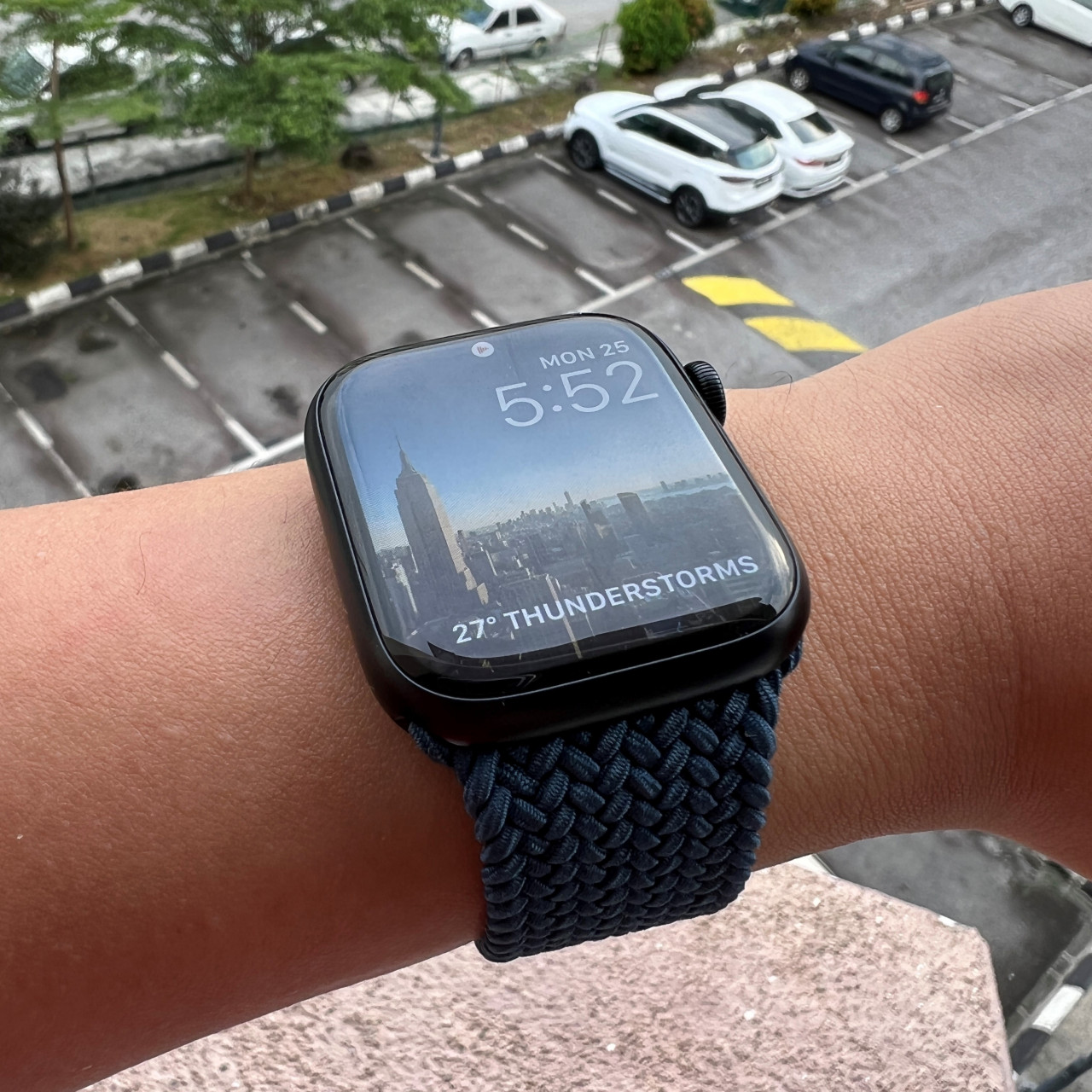
For the unaware, the Apple Watch isn’t really a standalone device and should be considered an extension of the iPhone. Android users need not apply, while Apple users need an iPhone with the latest iOS 15 installed (so anything from the iPhone 6S to now).
As a watch, the Series 7 feels comfortable to wear and is available in a number of different colours, including five new colours – midnight, starlight, green, blue and red. There are also pricier versions in stainless steel (the standard models are made of aluminium).
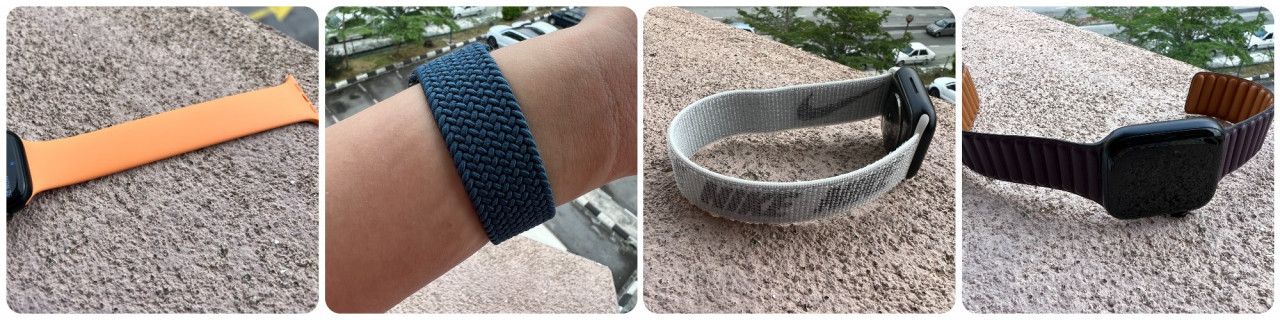
Even more impressive is the variety of bands that can be purchased either with the watch, or separately, if you like to dress up your new device for different occasions. It’s not just about different colours, but different types – such as loops, leather, and stainless steel.
The 45mm model (there is also a 41mm version) has the largest screen size of any Apple Watch, which is impressive given how thin it is. The front crystal of the screen bends light from the screen at its edges, for a subtle wraparound effect.
The screen itself is an always-on OLED display that ‘turns on’ when you bring it up and turn it to your face, but in its passive state is bright enough to tell the time from the corner of your eye.
While the Series 7’s screen is big enough for a lot of uses, it’s not really ideal for typing out long messages. However, it’s easy enough to send short messages and the dictation option can come in handy, though you will look odd/cool when you talk into your watch.
Designed for the active user, the Series 7 has the toughest crack-resistant crystal yet (according to Apple), so this isn’t a fragile device that needs to be babied. It’s also dust-resistant and swim proof (up to a depth of 50m) – so you will be able to bring it on your swim sessions at ease.
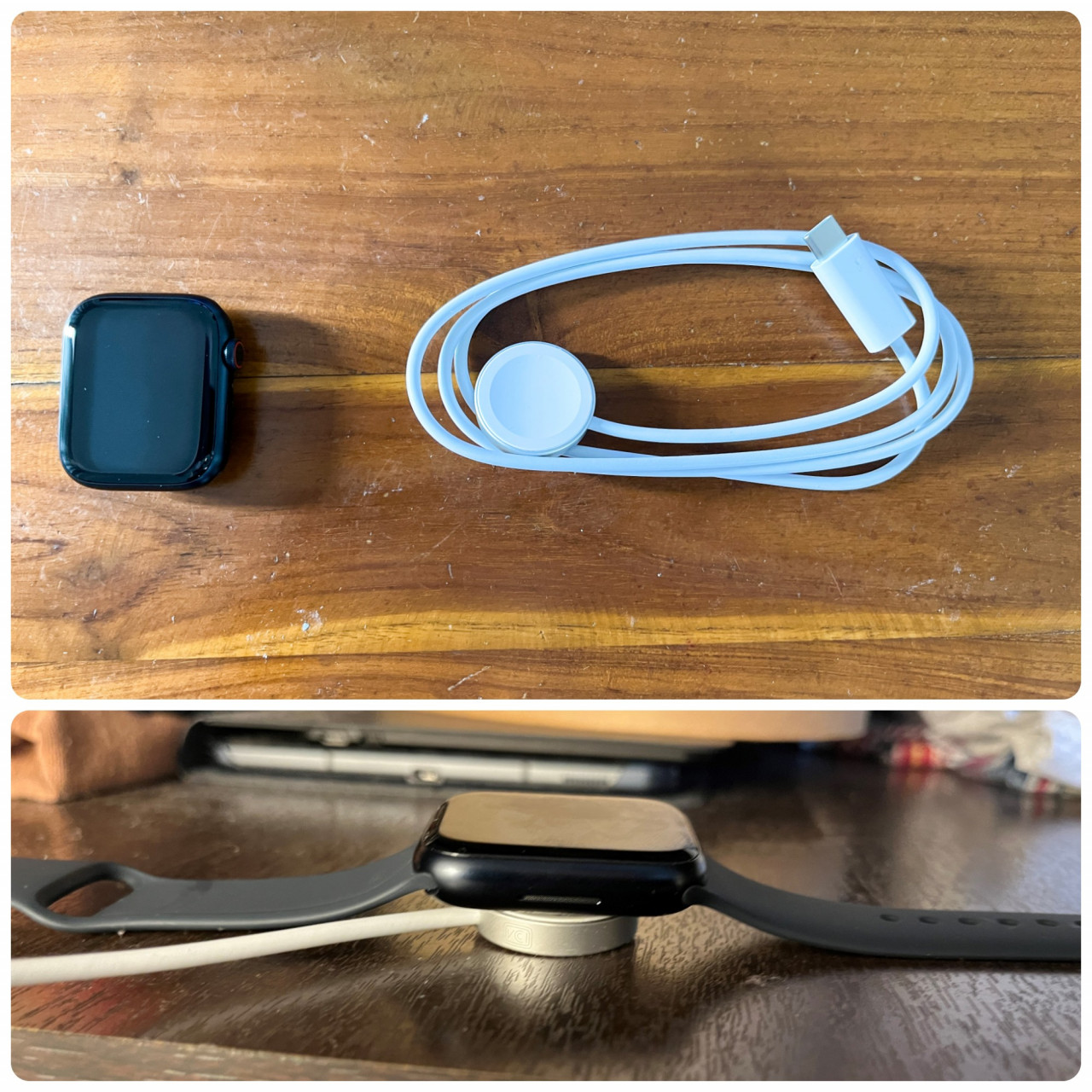
On a full charge, the watch can last for nearly a day and a half. Considering this is a device that many will wear to sleep (it works well as an alarm clock), there might not be plenty of time to charge it. Fortunately, it can fill up quickly in under an hour.
Software
Once paired with an iPhone – which shouldn’t take more than a couple of minutes – it’s quite intuitive setting up the Apple Watch. Your phone will download the Fitness app and you can choose what apps you want to install on the Series 7 (it comes with 32GB in memory).
Through the Watch app on the iPhone (it should be pre-installed), you will access the settings menu for your device, where you will do the typical things like setting up the various apps on the watch and adjust notifications – the latter of which can get annoying if you don’t do some pruning.
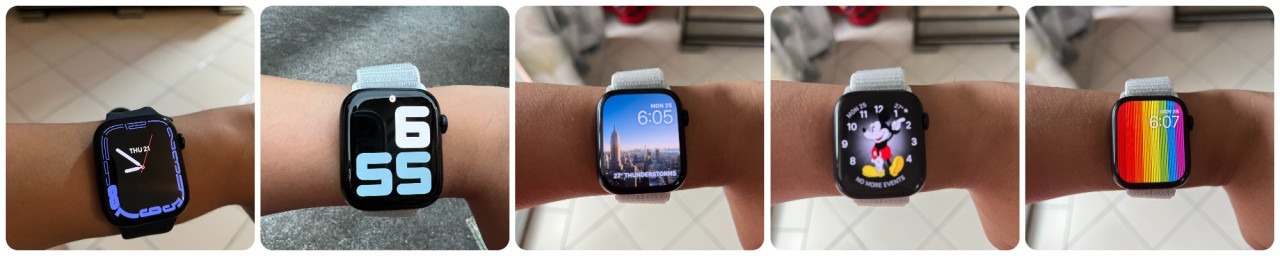
More fun and exciting is the Face Gallery where you will be greeted by dozens of watch faces for your perusal. Ranging from the utilitarian to the artsy, there’s more than enough options to personalise your Apple Watch.
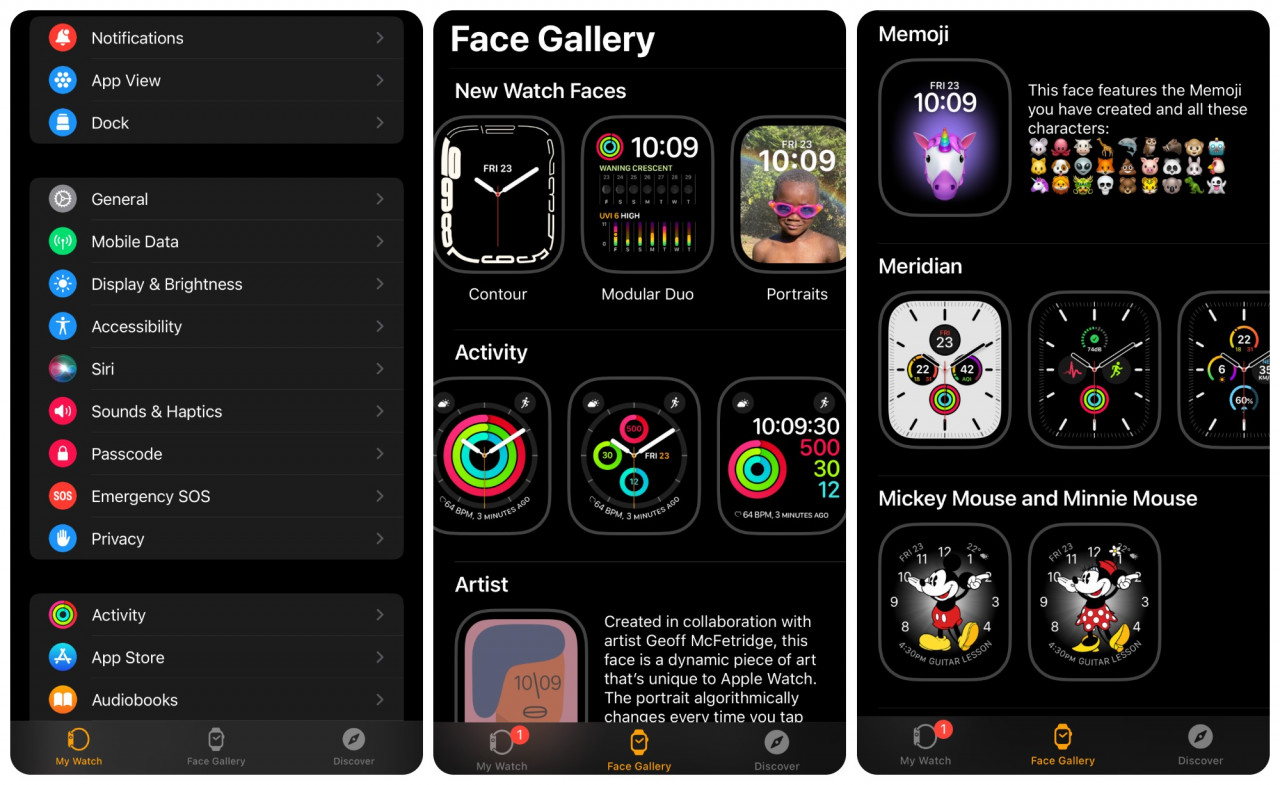
All it takes is pressing Add and it will appear on the watch. Just swipe left or right on the watch face to change it any time.
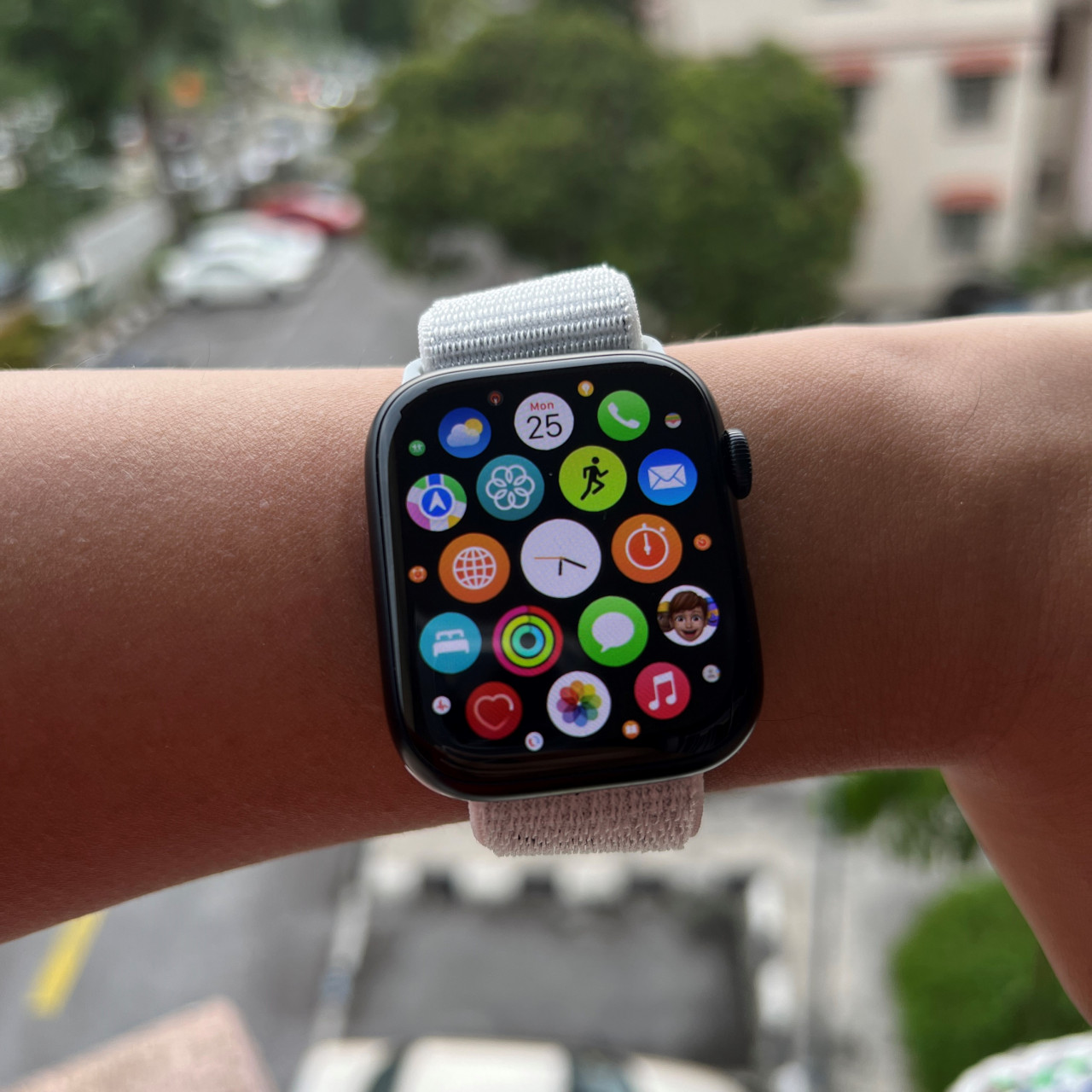
The device’s interface takes a little getting used to if you want to wring out the most of all the features. But just starting out and accessing basic functionality is simple enough. The fact that there are only two physical buttons (in addition to the touch screen) means the learning curve isn’t that high.
Fitness
As has been stressed multiple times, the Apple Watch Series 7 is probably best utilised by users on the go. However, as someone who isn’t that active, I found the constant reminders from the Mindfulness app and the Fitness app sort of encouraging when it comes to developing healthy habits.
Sure, it’s easy enough to turn off these notifications, but we should all be trying to get healthier, no?
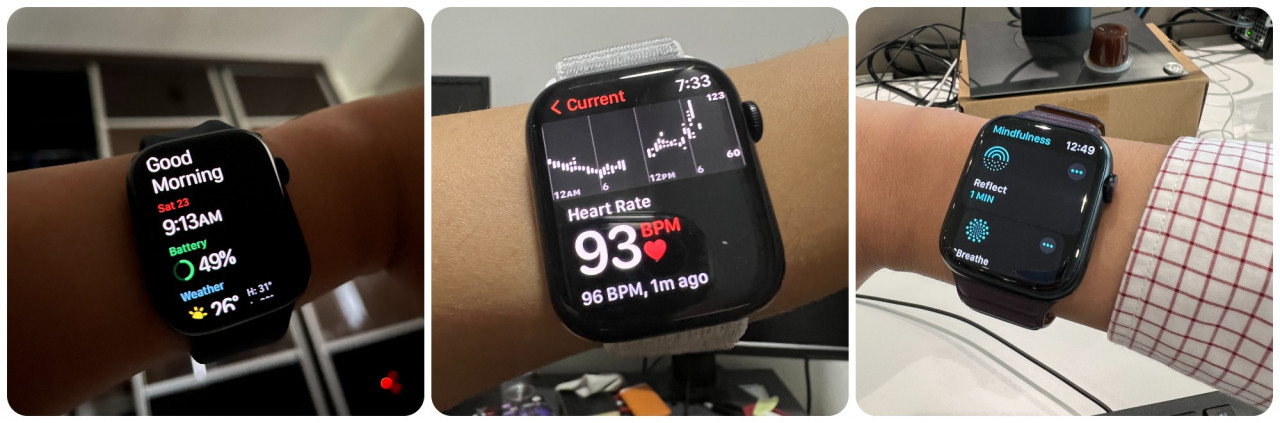
Among its many abilities, the Series 7 can find out your blood oxygen level, the ECG app monitors your heart rate (and can record any irregularities), if you stay seated for too long you will be reminded to stand up and walk around, and the watch will even know when you wash your hands – reminding you to keep doing for 20 seconds.
The Fitness app visualises your daily activity in three coloured rings that make it easy to understand how active (or inactive) you are on any given day. It helps turn your routine into a bit of a game, which is maybe enough encouragement.
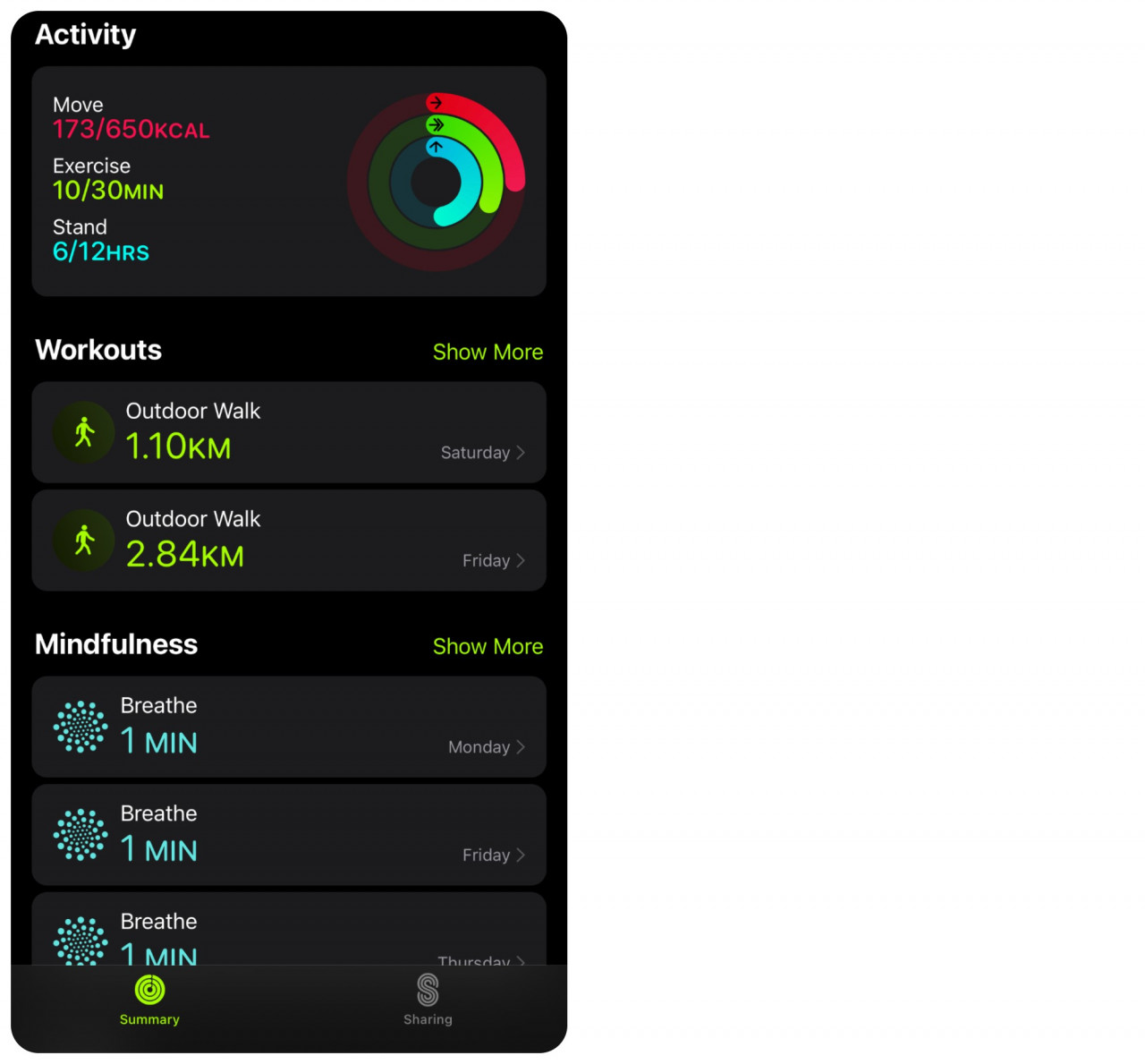
The Workout app comes preloaded with just about every form of exercise possible – ranging from walking outdoors to Tai Chi to swimming – so that you can once again record your performance. It’s a bit overwhelming, and most people probably won’t use all of them (unless they’re some freak super athlete), but it’s nice to know it’s there.
Is it worth it?
That depends on how fully invested you are in Apple’s ecosystem of products. You will need at least an iPhone to use the Apple Watch Series 7 at all. I don’t have AirPods, but I can imagine how easy it would be to pair it with the watch, which would allow me to go running without lugging around a phone.

With the variety of colours, bands, and watch faces available, the level of personalisation is nice. You can dress it up for exercise with a sport band, or you can equip it with a leather band for a night out. Same thing goes with the watch faces.
If you’re planning on getting one, you won’t be using it to its full potential if you don’t exercise. Then again, if you are open to being encouraged to work out and want a way to record and analyse your exercise – while doing it in style – then you can’t go wrong.
The Apple Watch Series 7 starts from RM1,749, with additional bands (the watch itself comes with one) costing from RM199 to RM449. – The Vibes, October 26, 2021